
Claim your refund with an instore QR-code
in 3 steps
Since the beginning of 2026, Dutch customs will only validate digitally, so your receipt must be registered in-store to customs; the ‘wet stamp’ will cease to be used.
1. Start your claim in store
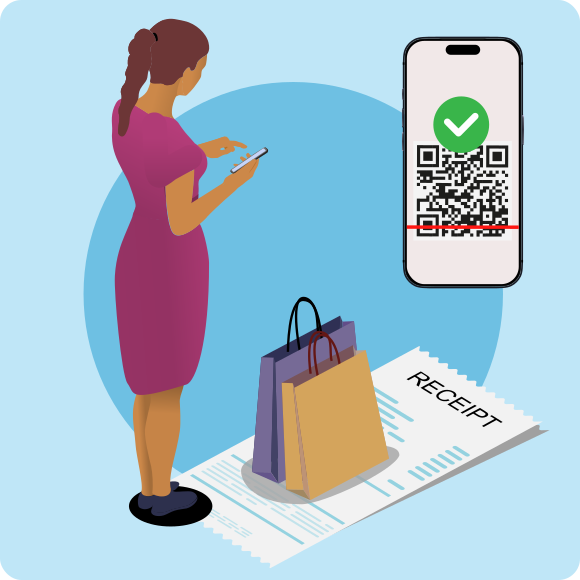
Scan the special Vatfree QR code in-store to begin the refund process. You will get an e-mail with a link to your receipt(s). While shopping add more receipts to your claim to maximise your refund. Ensure that your receipts meet all requirements: the receipt must be made out to your name and passport number and exceed the minimum amount
(<€50 in the Netherlands).
2. Get customs approval when you leave the EU
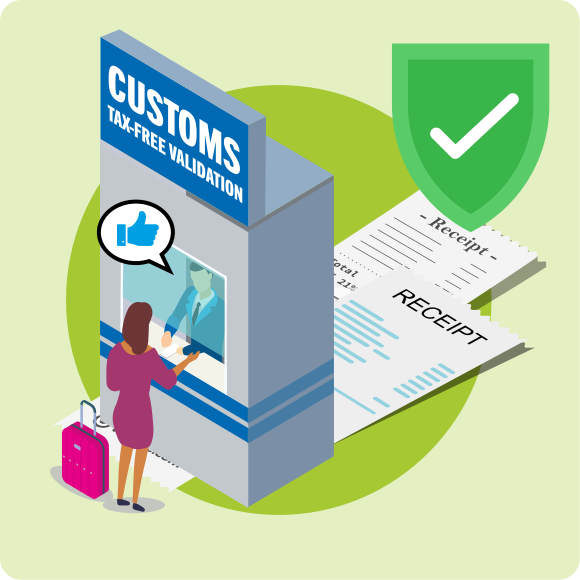
If you are leaving from the Netherlands (f.i. Amsterdam Airport Schiphol, Rotterdam P&O and Rotterdam Stena Line) you can download the Custom NL app. When you are near the Dutch customs desk, it will tell you whether or not to go to the desk to digitally validate your receipts. The customs officer might ask to see your goods before validating your receipts, so make sure you bring them with you to the validation desk.
Are you leaving from other EU countries?
When leaving from other points of exit; in your e-mail you will find tax-free forms for all your receipts. Be sure to print these and take those together with your receipts to the relevant customs office.
3. Get paid

Once your receipts have been validated for export, you are entitled to your VAT refund. Choose your preferred payout method: Visa/Mastercard, PayPal, Alipay, WeChat or SEPA bank transfer. You will be notified by email as soon as your payout is ready.
Good to know: Your refund equals the total VAT minus a handling fee.